1 in stock
Compatibel met |
|
| Geschikte merken |
Samsung
|
| EAN Code | 7444719868866 |
| Models |
Galaxy Z Flip 5
|
| Model codes |
SM-F731B
|
| Compatibel met |
Samsung ZFlip 5 F731B
|
Technische specificaties |
|
| Productgroep |
Onderdeel
|
| Producttype |
Scherm en Display
|
| Inclusief frame |
Ja
|
| Apparaat |
Telefoon
|
| Kleur |
Grijs
|
| Kwaliteit |
Service Pack
|
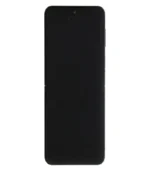
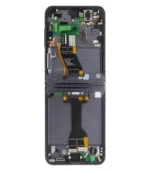
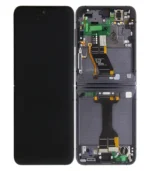
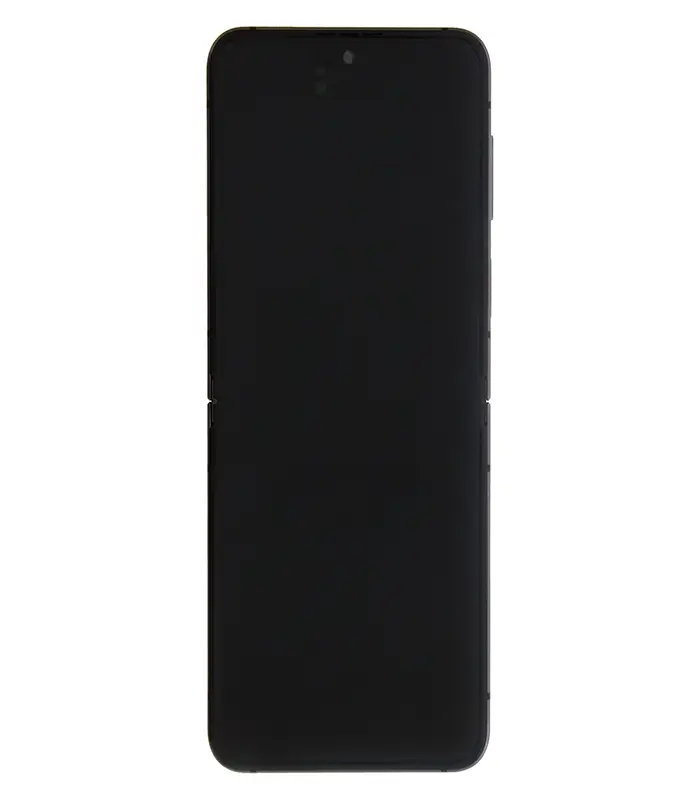
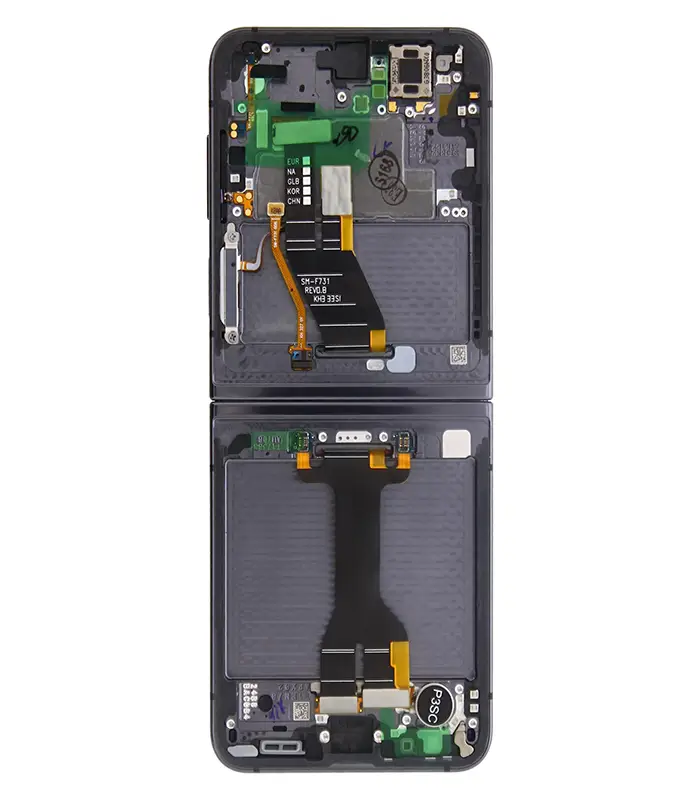
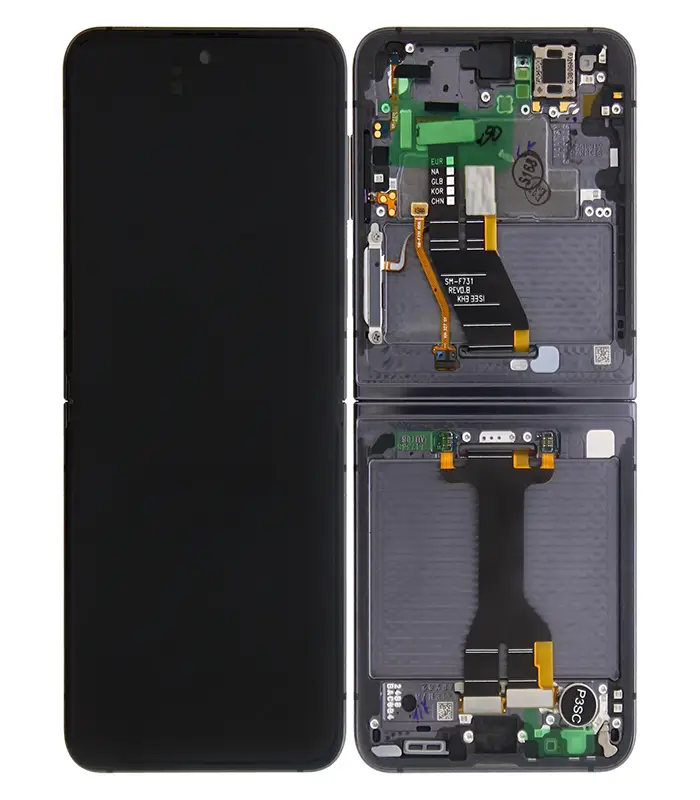
Deze Samsung Galaxy Z Flip5 F731B Hoofdscherm en Digitizer met Frame in Grafiet is een “Service Pack” kwaliteitscomponent ontworpen voor nauwkeurige schermreparaties. Het zorgt voor een naadloze pasvorm en optimale prestaties, waarbij de originele functionaliteit van het apparaat behouden blijft. De displayassemblage omvat zowel het hoofdscherm als de digitizer, voorgeassembleerd met het frame, wat een efficiënte installatie in professionele reparatieomgevingen vergemakkelijkt.
Ontworpen om te voldoen aan strenge kwaliteitsnormen, garandeert dit “Service Pack” display betrouwbaarheid en duurzaamheid, essentieel voor reparatiewinkels met een hoog volume. De grafietkleur komt overeen met de originele esthetiek van het apparaat, wat zorgt voor een uniforme uitstraling na de reparatie. Dit onderdeel is gevalideerd voor compatibiliteit met het Galaxy Z Flip5 F731B model, wat ervoor zorgt dat het aan alle technische specificaties voldoet voor een stabiele en betrouwbare reparatie.
Type Foldable Dynamic AMOLED 2X, HDR10+, 1750 nits (peak) Size 6.7 inches, 102.0 cm2 (~85.9% screen-to-body ratio) Resolution 1080 x 2640 pixels (~425 ppi density)
Installation Guide in Case of Black Screen After Repair
Please follow the steps below carefully:
1. Hold an external magnet against the earpiece speaker to keep the screen active.
2. Go to Settings → Security and Privacy and turn off Privacy Lock.
3. Open the test menu by dialing *#0*# and select Hall IC to run the test.
4. Download the Self Repair Assistant app from the phone’s app store.
5. Open the app and run the Display Calibration.
6. Once the calibration is completed successfully, you can remove the external magnet (step 1).
No account yet?
Create an Account



 Xssive Audio
 Xssive Bluetooth Speakers
 Xssive Chargers
 Xssive Bluetooth Speakers